Skip to content
iZotope RX Voice & Audio AI tool logo

iZotope RX – AI Audio Repair and Noise Reduction Software

Voice & AudioPaid
Best for: Professional AI audio repair, noise reduction, and restoration

iZotope RX is the industry-standard AI audio repair and noise reduction software used by post-production studios, podcasters, and musicians to clean up any recording.
4.8(4.2k)
Founded 2001
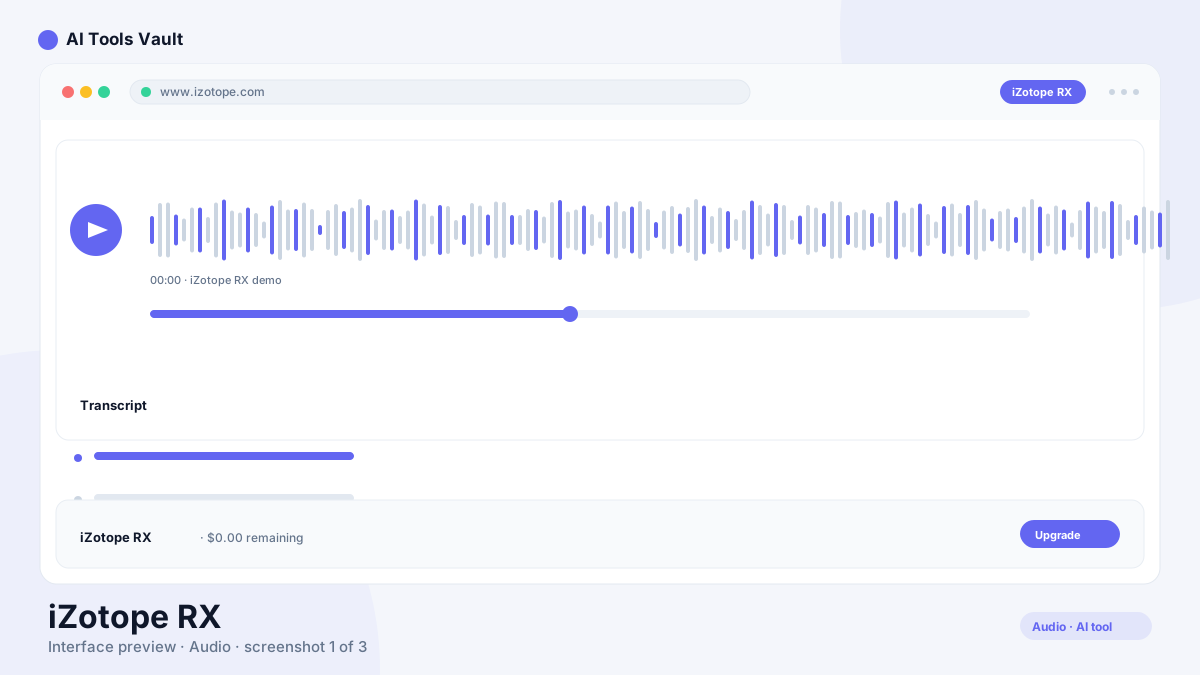
iZotope RX AI audio repair and noise reduction software interface

What Is This Tool?

iZotope RX is an audio repair and noise reduction application built around AI-driven spectral analysis. It identifies problematic audio content — noise floors, clicks, hum, reverb tails, clipping distortion — and removes or reduces it with minimal impact on the surrounding clean audio.
The software works both as a standalone editor and as a plug-in inside any major DAW. Film post-production houses, podcast networks, music studios, and broadcasters use it as the default cleanup tool before any creative mixing begins. Its spectral display gives you a visual representation of audio problems, and the AI modules handle the heavy lifting that once required hours of manual editing.
  • AI-powered spectral analysis and repair
  • Standalone editor and DAW plug-in
  • Used in film, podcast, music, and broadcast
  • All processing runs locally on your machine

This Tool AI Tools and Features

The core modules include Voice De-noise for dialogue and vocal cleanup, De-reverb for removing room reflections, De-click and De-hum for mechanical and electrical artifacts, and Spectral Repair for surgical editing of specific problem areas. Each module uses a trained AI model rather than simple filtering.
The spectral display is what makes the tool intuitive. You see the audio as a spectrogram, paint over the problem areas, and let the AI reconstruct the missing information. For complex problems — like removing background chatter from a dialogue recording — this visual approach is far more effective than traditional noise gates or EQ.
  • Voice De-noise for real-time dialogue cleanup
  • De-reverb for removing room reflections
  • Spectral Repair for surgical visual editing
  • Music Rebalance for remixing without stems

How to Use This Tool

Open the standalone editor or load the plug-in in your DAW. Import or capture audio, then let the AI modules analyze the recording. Start with Voice De-noise or Music Rebalance to address the primary issue, then use surgical tools like Spectral Repair for remaining problems.
The preview function lets you hear results before processing. For batch workflows — cleaning up dozens of podcast episodes or interview clips — the batch processor applies the same settings to entire folders overnight.
  • Load audio in standalone editor or DAW plug-in
  • Apply AI modules with real-time preview
  • Use Spectral Repair for surgical cleanup
  • Batch process folders for high-volume workflows

This Tool Pricing and Plans

iZotope RX is sold as a one-time perpetual license. Elements at $129 covers essential noise reduction for casual users. Standard at $399 includes the full AI module suite and batch processing. Advanced at $1199 adds multichannel support and the complete spectral editing toolkit.
For podcasters and independent musicians, Standard is the practical sweet spot. It includes every module most users need without the premium price of Advanced. The Music Production Suite bundle at $599 includes RX Standard alongside other iZotope mixing tools.

Compare Plans & Pricing

Elements $129; Standard $399; Advanced $1199 one-time

Elements

$129one-time

Essential noise reduction and repair tools.

  • Voice De-noise
  • De-click and De-hum
  • Spectral Repair
  • Music Rebalance basic
Buy Elements
Most Popular

Standard

$399one-time

Full AI repair suite for professionals.

  • All Elements features
  • De-reverb and De-wind
  • Guitar De-noise
  • Batch processing
  • Audio effects plug-ins
Buy Standard

Advanced

$1199one-time

Maximum control with advanced spectral editing.

  • All Standard features
  • Multichannel support
  • Advanced spectral editing
  • Dialogue Contour
  • RX 11 Audio Editor standalone
Buy Advanced

Key Features of This Tool

The spectral display and AI-driven repair modules are the defining features. Unlike traditional noise reduction that applies broad filtering across the entire recording, RX identifies and removes specific problem content while leaving clean audio untouched.
The plug-in architecture means you can use RX inside Pro Tools, Logic, Ableton, or any VST/AU host. The standalone editor is equally capable for users who prefer to repair audio before importing it into their DAW. Both workflows produce identical results.
  • Visual spectral display for identifying audio problems
  • AI modules that learn and adapt to each recording
  • Full plug-in suite for any major DAW
  • Standalone editor for independent audio repair

This Tool vs Descript

Descript focuses on text-based editing and transcription for podcast and video workflows. Its audio cleanup features are basic noise reduction and audio leveling. iZotope RX is a dedicated audio repair tool with far deeper AI models for complex restoration.
For quick podcast cleanup, Descript handles the basics. For professional restoration of damaged recordings, film dialogue repair, or music production cleanup, RX provides the depth that Descript's simpler tools cannot match. Many professionals use both — Descript for editing and transcription, RX for cleanup.

This Tool vs Adobe Podcast

Adobe Podcast is a browser-based AI tool that enhances voice recordings with a single click. the software provides granular control over every aspect of audio repair. They serve different levels of complexity and expertise.
Adobe Podcast is ideal for quick, one-click voice enhancement with no technical knowledge required. RX is the choice when you need to address specific problems — de-reverb, de-clip, spectral repair — that require precision. For casual podcasters, Adobe Podcast is sufficient. For professionals, RX is essential.

Pros and Cons of This Tool

The primary advantage is the depth of AI repair. No other tool matches RX for restoring damaged audio while preserving the clean portions. The spectral display makes complex repairs visual and intuitive.
The main drawbacks are price and complexity. The advanced modules have a meaningful learning curve, and the CPU requirements for spectral editing can be demanding on older hardware. For users who only need basic noise reduction, simpler and cheaper alternatives exist.

Pros

  • Industry-standard audio repair used by major studios
  • AI spectral repair removes artifacts with minimal collateral damage
  • Standalone editor plus plug-in suite for any DAW
  • Batch processing for high-volume workflows

Cons

  • Steep learning curve for advanced modules
  • Price is significant for hobbyists
  • Heavy CPU usage on complex spectral edits
  • Some AI artifacts on heavily degraded audio

Frequently Asked Questions About This Tool

These are the most common questions from users evaluating the software for their audio repair needs.

Best For

Recommended use cases and scenarios where iZotope RX shines.

Frequently Asked Questions

Common questions about iZotope RX, answered.

Is this tool free?

No. the software is a paid product starting at $129 for Elements. There is no free tier, though trial versions are available for testing.

Can this tool remove background noise from voice recordings?

Yes. The Voice De-noise module is specifically designed for dialogue and vocal cleanup. It reduces background noise, air conditioning hum, and room tone while preserving vocal clarity.

What is the difference between this tool Elements and Standard?

Elements includes essential repair tools like Voice De-noise, De-click, and De-hum. Standard adds advanced modules like De-reverb, Music Rebalance, batch processing, and the full plug-in suite for DAW integration.

Does this tool work as a plug-in in my DAW?

Yes. the software provides VST, AU, and AAX plug-ins that work in Pro Tools, Logic Pro, Ableton Live, and any other major DAW. It also includes a standalone audio editor.

Can this tool fix heavily distorted or clipped audio?

The De-clip module in Standard and Advanced can repair clipped audio by reconstructing the waveform peaks. Results depend on the severity of the clipping, but it can recover usable audio from many damaged recordings.

Reviews & Ratings

4.8

Based on 4,200 reviews

5
88%
4
7%
3
3%
2
2%
1
0%

Share your experience

Your rating

Loading reviews...

S

Sofia Rossi

I've tried most tools in this space and nothing comes close. Highly recommended.

D

Daniel Kim

The best investment I've made this year. Saves me hours every single week.

P

Priya Sharma

Fast, intuitive, and the results speak for themselves. Easily worth the subscription.

Explore More Voice & Audio Tools

Browse the full AI Tools Vault directory to compare iZotope RX with every voice & audio tool, or line up your shortlist side by side.

Similar Tools

More Voice & Audio tools you might like

Krisp AI tool logo

Krisp

Voice & AudioFreemium
Best for: Noise-free calls & AI meeting notes

Noise-canceling app that silences background audio on every call and adds AI meeting notes, transcripts, and summaries.

Otter.ai AI tool logo

Otter.ai

Voice & AudioFreemium
Best for: Meeting transcription & summaries

AI meeting assistant that transcribes, summarizes, and makes your conversations searchable in real time.

4.6(8.5k)
Visit Website
Podcastle AI tool logo

Podcastle

Voice & AudioFreemium
Best for: AI podcast recording & editing in one studio

All-in-one AI podcast studio with multi-track recording, Magic Dust cleanup, text-based editing, and 1,000+ AI voices.

Guides & Articles about iZotope RX

Read our detailed reviews and comparisons covering iZotope RX