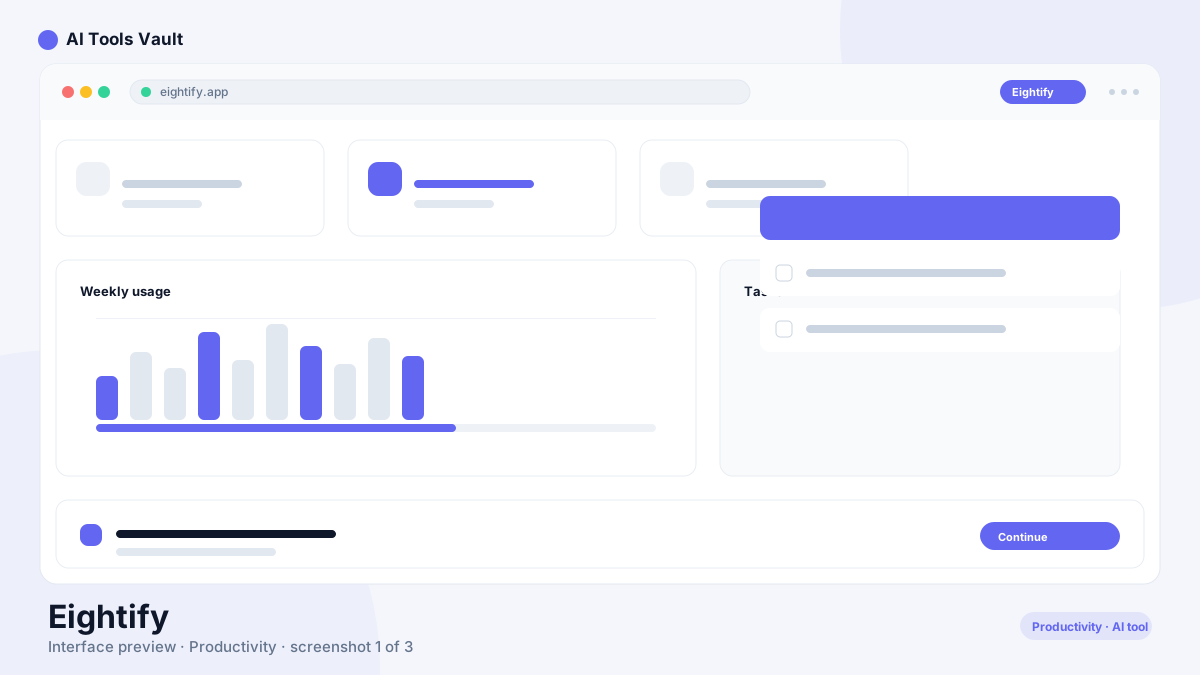
This is a Chrome extension and mobile app that turns YouTube videos into compact, timestamped summaries. Open a video, click the summarizer button beside the watch page, and the AI returns a rundown of roughly 8 key insights within seconds. It is built for people who treat YouTube as a research and learning channel rather than a feed of entertainment.
Instead of covering an hour-long lecture at full length, you read the takeaways, check the transcript, and jump straight to the moments that matter. The same workflow runs on iOS, Android, and in a mobile browser through a single account, so the tool carries across your desktop and phone. It does not require logging into YouTube itself, so any publicly watchable video works.
The summaries are generated from the video transcript using models based on Claude and ChatGPT. That engine matters because the output stays flexible: the same raw material can be reshaped into different formats, which the next section walks through.
Eightify Features
Everything happens inside YouTube rather than in a separate dashboard. Once the summary panel opens, the tools you need for a quick read are right there: insights, timestamps, a transcript, and a translation toggle.
The one-click result lands in about five seconds, and each insight is pinned to a timestamp so you can jump to that moment without scrubbing. For longer recordings, the breakdown splits into chapters that mirror the structure of the talk, which makes scanning a multi-hour podcast far less painful.
Output is adjustable rather than fixed. You can steer the focus toward insightful, actionable, controversial, or funny points, pick a list or Q&A format, and control the length and how items are grouped. Emojis and cluster titles can be switched on or off, which matters if you plan to reuse a summary in your own notes.
One-click YouTube summaries in roughly five seconds
8 key insights with clickable timestamps
Chapter-by-chapter breakdowns for longer videos
Adjustable focus, format, and length per summary
Full transcripts that read more cleanly than YouTube captions
Top-comments overview to gauge viewer sentiment
Summaries and translation in 40+ languages
One account across Chrome, iOS, and Android
7-day free trial on the Chrome extension
How Eightify Works
Start on the desktop or the phone. Install the Chrome extension, or open the iOS, Android, or mobile web app and sign in with the same account across all of them. On Chrome, open any YouTube video and click the summarizer button on the watch page; on mobile, share or paste a YouTube link into the app to run the same pipeline.
Behind the scenes, the tool grabs the transcript first, then an AI model reads it, picks out the points that carry the most information, and writes them as timestamped insights. Translating is a separate toggle, so you can watch in one language and read the notes in another.
Paid accounts extend the engine further: videos up to 10+ hours, saved summary history, and full control over how each summary is shaped. The free tier draws on the same models but with daily caps, which becomes noticeable on heavy viewing days.
Install the extension or open the iOS/Android app
Click the summarizer button on any YouTube video
AI reads the transcript and generates 8 key insights
Use timestamps to jump to any point in the video
Translate or re-format the summary as needed
Eightify Pricing
The product runs on a freemium subscription model with no one-time purchase. The free tier provides 3 summaries per day for videos up to 60 minutes, which is enough to preview several videos and decide which ones deserve your full attention.
Premium removes the limits. That plan is $9.99 by the month or $59.88 billed once a year, which lands around $4.99 per month and is the most economical way to stay subscribed. The Team plan at $19.99 per month adds shared management for several members.
The Chrome extension also starts with a 7-day free trial of Premium, so you do not pay before confirming the summaries actually match your workflow. Plan details are worth re-checking on the official site, since limits and prices do shift over time.
Compare Plans & Pricing
Free (3 summaries/day); Premium $9.99/mo or $4.99/mo annual ($59.88/yr); Team $19.99/mo; 7-day free trial on Premium
SoBrief AI summarizes books, articles, and videos, so it covers several document types in a single subscription. This tool is deliberately narrower: it is built for YouTube content and does that one job exceptionally well.
Reach for the extension when long-form YouTube is the main input, such as lectures, podcasts, and interviews where you want the gist in seconds. Choose SoBrief AI when your material also includes articles and books and you prefer one workspace for everything.
Who Should Use Eightify?
The clearest fit is anyone who consumes YouTube as part of work or study. Students can summarize lecture recordings and revisit only the unclear segments. Professionals tracking business, investing, and industry commentary can skim debates and keynotes. Researchers can triage long interviews and conference talks without listening to every minute.
Content creators and marketers get a different kind of value. Surveying competitors, product reviews, and niche explainers by summary is a fast way to see what is being covered in a space, and it surfaces talking points for their own videos.
It is less useful if your watching is purely casual, or if you rely on YouTube for creative work where tone and delivery matter more than the bullet points. For information-dense content, though, the time saved compounds quickly across a busy week.
Pros and Cons of Eightify
The biggest strengths are the Chrome Web Store Featured badge, the inexpensive annual plan, and an interface that lives inside YouTube instead of in a separate place. The free tier works for real light use rather than acting as a pure paywall teaser.
The trade-offs are specific: no web pages or PDFs, summary quality tied to transcript accuracy, limits on the free tier, and a condensed format that can miss nuance in dense material. Treat the output as briefing notes and return to the video whenever the details matter.
For most people the decision comes down to volume. Watch YouTube occasionally for fun? The free tier is enough. Spend hours each week on videos for work, study, or research? The annual plan pays for itself quickly.
Pros
Chrome Web Store Featured badge for editorial endorsement
Very cheap annual plan at approximately $5 per month
Fast, clean UX directly inside YouTube
Genuine free tier with daily summaries
Cons
YouTube-only with no support for web pages or PDFs
Summary quality depends on video transcript accuracy
Free tier limited to videos under 60 minutes
Summaries can miss nuance in dense technical content
Eightify Alternatives
Within this directory, SoBrief AI handles books, articles, and videos; Tutor AI turns content into structured learning paths; and Quizgecko generates quizzes and study sets from material. Each overlaps with the extension on only one point, so the right pick depends on your content mix.
Outside the directory, YouTube's built-in transcript view is a free fallback when you simply want the text of a video, and a general assistant can summarize a transcript you paste in manually. Those routes work, but they lack the structured, timestamped insight format that makes the extension fast to use in place.
SoBrief
Research & EducationFreemium
Best for: AI book summaries in audio, PDF, and EPUB formats
SoBrief is an AI book summary platform with 26,000+ summaries in audio, PDF, and EPUB formats across 40+ languages, turning full books into 10-minute reads.
For anyone whose day involves long YouTube videos, this extension earns its place quickly. The 8-insight format with jump timestamps is fast to scan, the annual price is modest, and the free tier is genuinely workable rather than theatrical.
Just keep expectations calibrated: transcripts set the ceiling on accuracy, and summaries compress nuance by design. If you need the exact wording, tone, or a precise technical spec from a video, watch the relevant segment. For everything else, it is one of the most efficient ways to get the gist.
Best For
Recommended use cases and scenarios where Eightify shines.
A Chrome extension and mobile app that turns YouTube videos into roughly 8 key insights with timestamps. It handles videos up to 10 hours long, provides transcripts, and can deliver summaries in 40+ languages.
Is Eightify free?
Yes. The free tier provides 3 summaries per day for videos up to 60 minutes. Premium removes the daily cap, supports longer videos, and includes a 7-day free trial.
How much does Eightify cost?
Premium is $9.99 per month or $59.88 per year (roughly $4.99 per month). The Team plan is $19.99 per month. The free tier remains free with its daily limits.
How does Eightify summarize YouTube videos?
It pulls the video transcript, an AI model selects the main points, and it presents them as roughly 8 insights with timestamps. Each timestamp jumps to the matching moment in the video.
What is the Eightify Chrome extension?
A browser add-on that puts the summarizer directly on YouTube watch pages. Click its button and the insights, timestamps, and transcript appear without leaving the tab.
Does Eightify support other platforms?
As a summarizer, it works with YouTube content only, so web pages, PDFs, and videos from other sites are out of scope. The app itself runs across Chrome, iOS, and Android.
Is Eightify accurate?
Reliability tracks the transcript quality. Clear audio with clean speech returns dependable summaries, while heavy jargon, overlapping speakers, or background noise can cause missed nuance, so verify important details against the video.
What are the best alternatives to Eightify?
SoBrief AI covers books, articles, and videos; Tutor AI structures learning from content; and Quizgecko turns material into quizzes. YouTube's built-in transcript is a free fallback for reading a video as text.
How many languages does Eightify support?
More than 40 languages for both summaries and translation. You can read an English summary of a non-English video or translate a summary into your preferred language.
Can Eightify summarize long videos?
Yes. Paid plans handle videos up to 10+ hours, which covers full conference talks, long podcasts, and extended lectures. The free tier is capped at 60-minute videos.
Reviews & Ratings
Loading reviews...
Explore More Productivity Tools
Browse the full AI Tools Vault directory to compare Eightify with every productivity tool, or line up your shortlist side by side.