AIVA Review: The Best AI Music Composer for Royalty-Free Scores
Voice & AudioFreemiumAI music composition studio that generates original, royalty-free instrumental tracks with editable MIDI and 250+ styles.
What Is AIVA and How Does It Work?
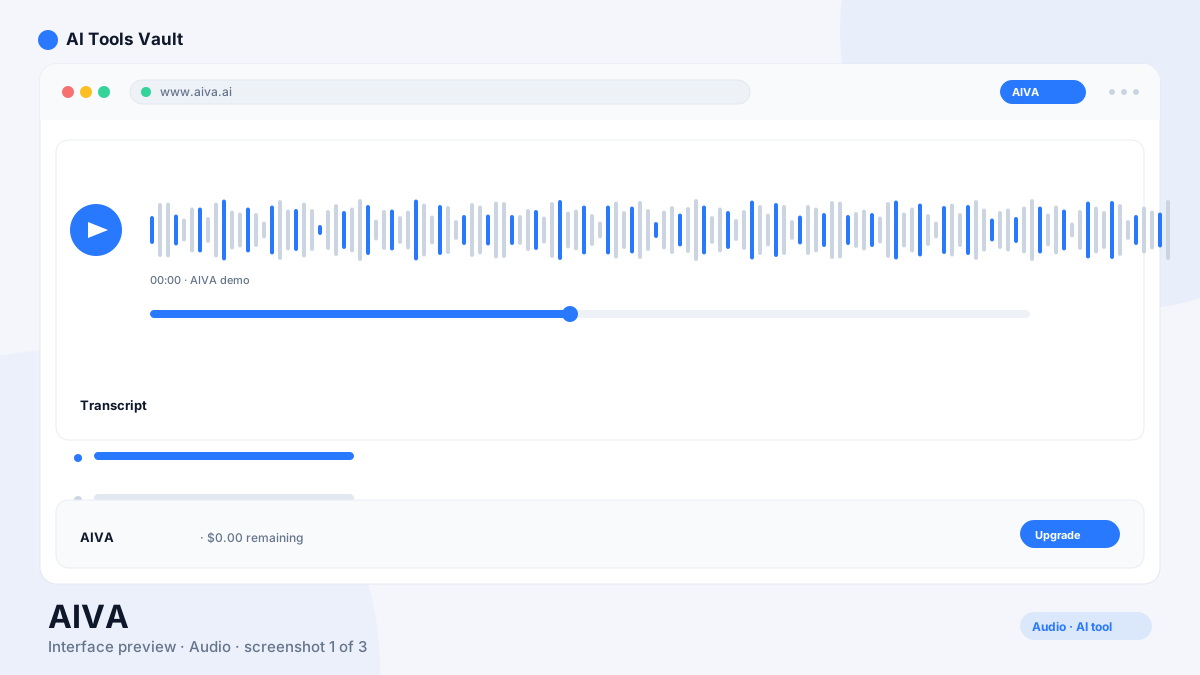
AIVA (Artificial Intelligence Virtual Artist) is an AI music composition engine that writes original instrumental tracks in 250+ styles. You pick a style such as cinematic, electronic, pop, jazz, or ambient, describe the mood, and it composes a complete piece with full instrumentation, including a downloadable MIDI version you can edit in any DAW.
Because the engine has been trained since 2016 on classical and film-score music, it produces structured, editable compositions rather than finished audio blobs. That makes it a serious tool for game studios, filmmakers, YouTubers, and podcasters who need cheap, original, royalty-free music.
Key Features: MIDI, Styles & Copyright
Its differentiators are editable output and ownership. Most AI music tools hand you an audio file you cannot change; this one gives you the notes themselves.
- Editable MIDI download with score view
- 250+ composition styles and moods
- Full copyright ownership on the Pro plan
- Royalty-free commercial license on Standard
- Built-in editor with chord and score views
AIVA vs Suno
Suno is the viral AI music tool for full songs with vocals. It is the professional choice for instrumental scoring. If you need a track with lyrics and singing, choose Suno. If you need a soundtrack, underscore, or library cue you can legally own and edit, it is the better fit.
Pricing: Plans & Downloads
Free 3 downloads/mo (non-commercial, 3-min tracks); Standard ~€11/mo annual (15 downloads); Pro ~€33/mo annual (300 downloads, full copyright)
Free
Try AI composition non-commercially.
- 3 downloads/mo
- 3-minute tracks
- Non-commercial license
- 1 style
Standard
Billed annually (€15 month-to-month).
- 15 downloads/mo
- Royalty-free license
- All styles
- Commercial use
Pro
Billed annually (€49 month-to-month).
- 300 downloads/mo
- Full copyright ownership
- Unlimited styles
- Best for studios
Best For
Recommended use cases and scenarios where AIVA shines.
Pros and Cons
It is the most mature option for editable, licensable AI composition — as long as you do not need vocals.
Pros
- Editable MIDI output with score view
- 250+ styles and moods
- Full copyright ownership on Pro
- Great for film, game & video scoring
- No vocal training data noise
Cons
- Instrumental only, no vocals
- Free plan effectively a trial
- Pricing in EUR
- Download caps on every plan
Frequently Asked Questions
Common questions about AIVA, answered.
Is AIVA free to use?
Yes, there is a free plan with 3 downloads per month of 3-minute tracks, for non-commercial use only. Paid plans start around €11 per month billed annually.
Can I use the generated music commercially?
Yes. The Standard plan grants a royalty-free commercial license, and the Pro plan grants full copyright ownership of everything you generate.
Does it make songs with vocals?
No. It is instrumental-only, focused on orchestral, cinematic, electronic, and similar scored music. For vocal songs you would use a tool like Suno.
Can I edit the music it creates?
Yes, this is its biggest advantage. You can download the composition as MIDI and edit it in any DAW, or view it as sheet music inside the editor.
Is it good for YouTube and video games?
Yes. Full copyright ownership on Pro and a royalty-free license on Standard make it popular with YouTubers, game studios, and filmmakers who need original, safe-to-use scores.
Reviews & Ratings
Loading reviews...
Similar Tools
More Voice & Audio tools you might like

Krisp
Noise-canceling app that silences background audio on every call and adds AI meeting notes, transcripts, and summaries.

Otter.ai
AI meeting assistant that transcribes, summarizes, and makes your conversations searchable in real time.

Guides & Articles about AIVA
Read our detailed reviews and comparisons covering AIVA