NotebookLM vs Claude Code: Hot AI Tools 2026
NotebookLM and Claude Code are 2026's most talked-about AI agents — one organizes your research, the other ships your code. Here's how they compare and what to use them for.

NotebookLM and Claude Code are 2026's most talked-about AI agents — one organizes your research, the other ships your code. Here's how they compare and what to use them for.
Two AI agents dominate conversations in 2026: NotebookLM and Claude Code. One is a research assistant that turned a Google Labs experiment into a daily tool for millions of students and researchers. The other is Anthropic's terminal agent that made "just describe it and it ships" real for developers. They couldn't be more different — and they're both right to be called the hottest AI agents of the year.
This guide compares them head to head, explains when each shines, and surveys the rest of the agent category — Manus AI, Devin AI and Genspark.
"Agent" is 2026's most overloaded word. It covers everything from a research notebook that summarizes your PDFs to an engineer that ships code to a pull request. But there's a useful way to think about the category:
NotebookLM and Claude Code are the two most successful examples of the first two, which is exactly why they keep getting compared.
Claude Code is Anthropic's agentic coding tool. It runs in your terminal, and you drive it the way you drive any developer tool: you describe a task and it plans, reads your codebase, edits multiple files, runs your tests, and iterates until the work passes. It launched in 2025 and became the most-used AI coding agent among developers who live in the command line.
Its edge is the combination of a top-tier model and a very large context window, which lets it keep an entire repository in scope for a single task. It's also deeply git-native: Claude Code can create branches, commit with good messages, open pull requests, and address review feedback. Because it's bundled with a Claude subscription rather than sold separately, its pricing is simple — $20/month for Pro with 5x usage.
The tradeoffs: it's a terminal tool, so it assumes developer comfort, and heavy agent work on Pro hits usage limits. For non-developers, it's the wrong tool entirely.
Pricing: included with Claude Pro $20/month and Max $100–$200/month; Team from $25/user/month. Read the full Claude Code review.
Best for: developers who want an autonomous coding agent in their existing terminal and git workflow.
NotebookLM is Google's AI research notebook. You upload your sources — PDFs, docs, slides, links, even YouTube videos — and it answers questions grounded in exactly those documents, with citations that jump to the passages it used. That grounding is the whole point: no hallucinations from outside your material, no guessing.
It became famous for Audio Overviews, which turn your notes into a podcast-style discussion between two hosts — a feature so good it made dense research consumable on a commute. It also generates study guides, timelines and briefing docs, making it a daily tool for students, researchers and professionals working through large document sets.
The free tier is unusually generous: 100 notebooks, 50 sources each, and limited Audio Overviews. Plus, bundled with Google One AI Premium at $19.99/month, raises the limits substantially and adds sharing and customization.
Pricing: free; NotebookLM Plus via Google One AI Premium $19.99/month. Read the full NotebookLM review.
Best for: students, researchers and professionals who need trustworthy answers grounded in their own documents.
Claude Code and NotebookLM are the headline agents, but the category has strong supporting players:
If Claude Code is the best coding agent and NotebookLM the best research agent, Manus is the best all-rounder, Devin the best offload-your-issues engineer, and Genspark the best everyday research assistant.
| Agent | Type | Best for | Free tier | Paid pricing | Link |
|---|---|---|---|---|---|
| Claude Code | Coding agent | Terminal dev work | Via Claude free tier | $20/mo Pro | Review |
| NotebookLM | Research agent | Source-grounded study | 100 notebooks | Plus $19.99/mo | Review |
| Manus AI | General agent | Multi-step tasks | Limited credits | $39/mo Starter | Review |
| Devin AI | SWE agent | Issue-to-PR | 20 credits | $20/mo Lite | Review |
| Genspark | Search agent | Everyday research | Unlimited searches | $15/mo Pro | Review |
Paid pricing is the entry paid plan per month. Research agents (NotebookLM, Genspark) are cheap or free and useful to almost everyone. Coding and general agents (Claude Code, Devin, Manus) charge for compute and are aimed at developers and power users.
Every agent here has a real free option, which makes this category easy to audition:
Are NotebookLM and Claude Code the same type of tool? No. NotebookLM is a research agent that answers questions grounded in your uploaded sources. Claude Code is a coding agent that plans, edits and ships software in your terminal. They're both "AI agents" but they do completely different jobs.
Is Claude Code worth $20 a month? For developers who use agentic coding daily, yes — it's bundled with Claude Pro and typically pays for itself in hours saved. Casual users can start on the free tier and upgrade when they hit its limits.
Is NotebookLM Plus worth it? Only if you hit the free limits — 100 notebooks and 50 sources each cover most individual research. Power users and teams benefit from Plus's 500 notebooks, 300 sources and sharing features.
How do Manus AI and Devin AI compare to Claude Code? Devin AI is the closest comparison — it's an autonomous software engineer like Claude Code, but it works issues in its own cloud environment rather than your terminal. Manus AI is general-purpose, covering research and data work rather than coding specifically.
Which AI agent should I start with? If you research, start with NotebookLM — it's free and immediately useful. If you code, start with Claude Code's free tier. For broader task automation, Manus AI; for offloading GitHub issues, Devin AI.
The hottest AI agents of 2026 aren't competing for the same job — they're winning different ones. Claude Code is the best agent for shipping software, NotebookLM the best for turning documents into understanding, and Manus AI, Devin AI and Genspark cover everything in between.
You don't have to pick one. A researcher who also ships side projects can run NotebookLM for study and Claude Code for code in the same week — both from free tiers. Browse the full AI Agents category in the AI Tools Vault directory, shortlist two, and use the compare tool to see them side by side before you commit.
Get our best AI tool reviews and guides delivered to your inbox each week. No spam, unsubscribe anytime.

Written by
Editorial Team
The AI Tools Vault editorial team researches, tests, and reviews the best AI tools across every category.
More reading on comparisons
 Comparisons
A practical comparison of the top AI avatar tools for podcast video snippets — HeyGen, Synthesia, D-ID, Colossyan, Captions, Descript, OpusClip and quso.ai, with 2026 pricing and workflows.
 AI Tools Vault Team
 Comparisons
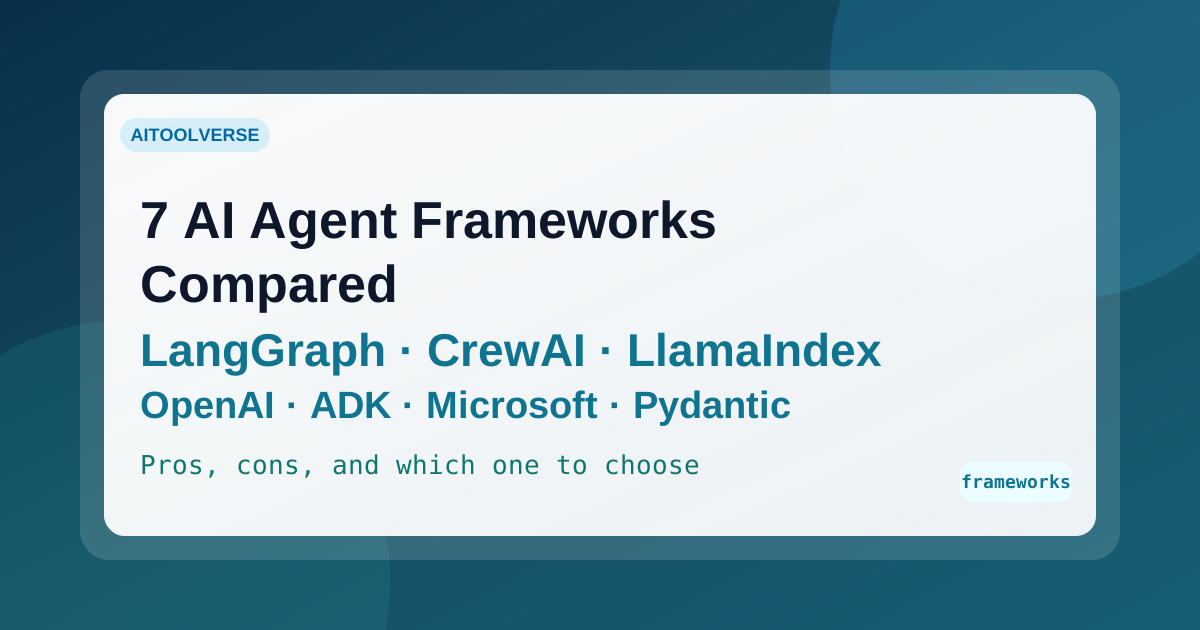
Seven AI agent frameworks compared for 2026 — LangGraph, CrewAI, LlamaIndex, OpenAI Agents SDK, Google ADK, Microsoft Agent Framework, and PydanticAI — with current status, real trade-offs, and how to choose.
AI Tools Vault Team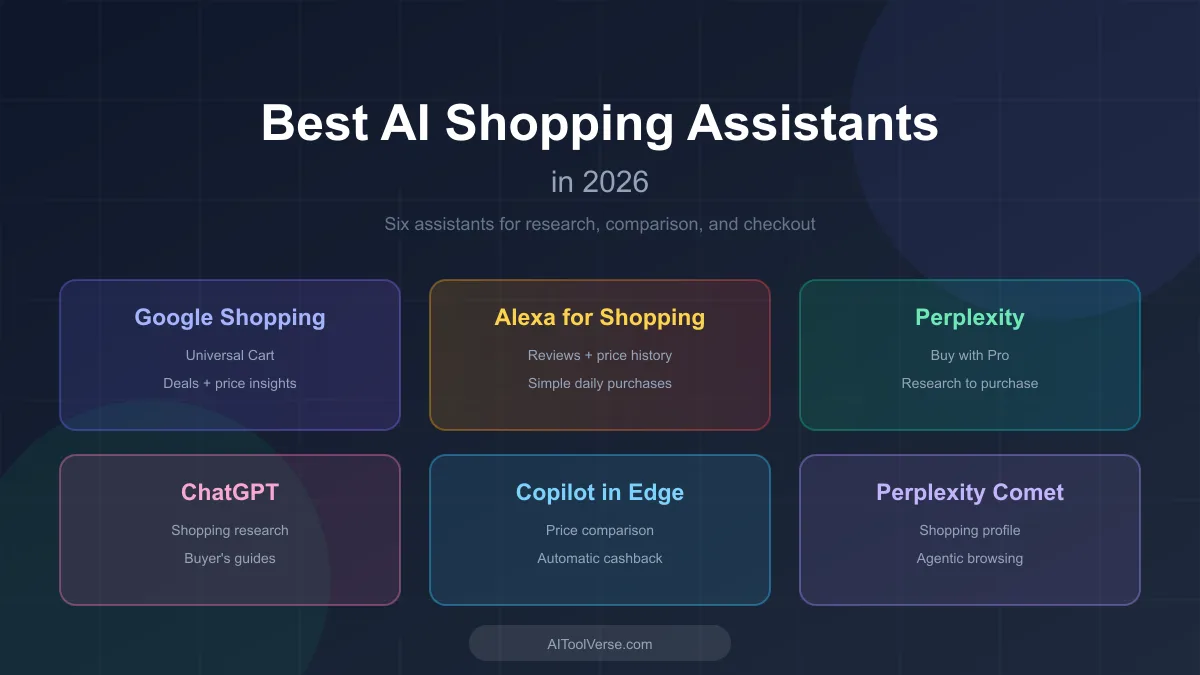 Comparisons
AI shopping assistants are reshaping how shoppers research products, compare prices, and check out. Here are the ones worth knowing in 2026.
AI Tools Vault Team