Vocal Remover – AI Vocal Isolation and Instrumental Creator
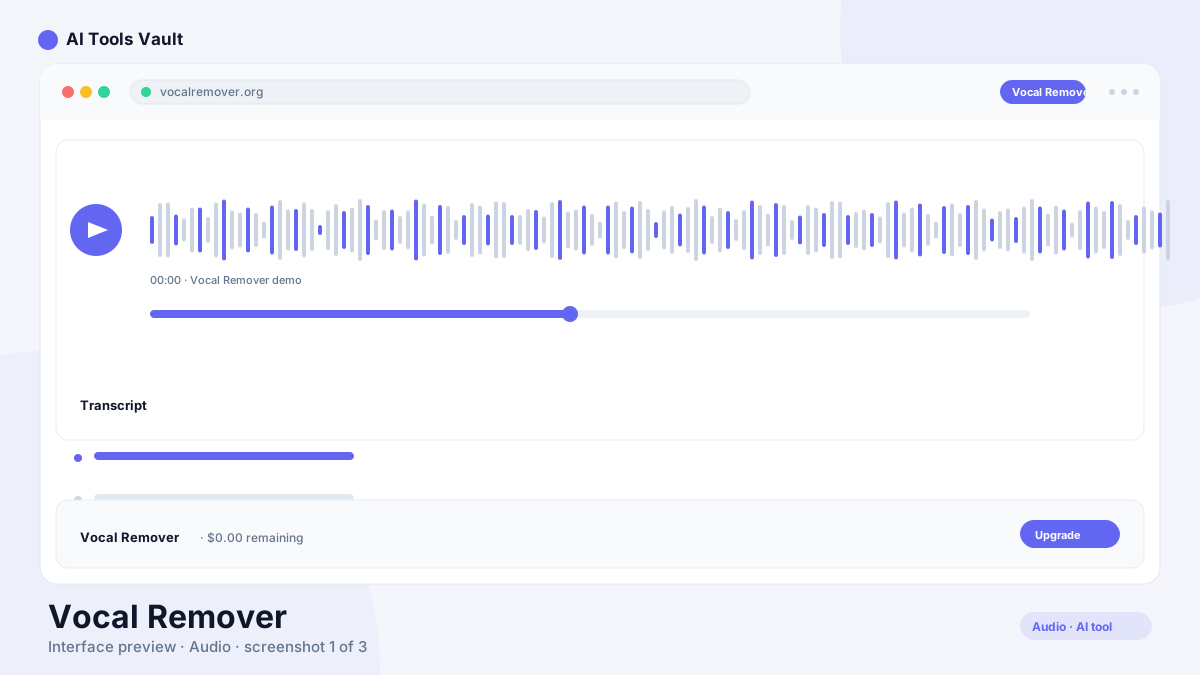
Voice & AudioFreemiumVocal Remover is an AI tool that isolates and removes vocals from songs, creating clean instrumentals for karaoke, remixing, content creation, and music production.
What Is This Tool?
- AI-powered vocal and instrumental separation
- 4-stem output: vocals, drums, bass, other
- Browser-based with no installation required
- Works with MP3, WAV, FLAC, and other formats
This Tool AI Tools and Features
- 4-stem AI separation from any audio file
- Vocal removal for creating clean instrumentals
- Drum and bass isolation for remixing
- Cloud processing requires no local hardware
How to Use This Tool
- Upload audio in MP3, WAV, FLAC, or OGG format
- Select separation type (vocal removal, extraction, or full)
- AI processes and separates the audio
- Download individual stems as separate files
This Tool Pricing and Plans
Compare Plans & Pricing
Free tier with basic separation; Pro from $4.99/month; one-time packs available
Free
Basic vocal removal with processing limits.
- Vocal and instrumental separation
- Standard quality processing
- MP3 export
- Limited processing speed
Pro
Full stem separation with high quality.
- All 4 stems (vocals, drums, bass, other)
- High-quality processing
- WAV and MP3 export
- Faster processing
- Priority queue
One-Time Pack
10 premium separations without subscription.
- 10 high-quality separations
- All stem types
- Lossless WAV export
- No subscription required
Key Features of This Tool
- Full 4-stem separation beyond simple vocal removal
- Universal browser-based access from any device
- Multiple output format support (WAV, MP3)
- AI models that improve with each version
This Tool vs Descript
This Tool vs LALAL.AI
Pros and Cons of This Tool
Pros
- AI separation produces clean vocals and instrumentals
- Works with any song or audio file format
- Browser-based — no software installation needed
- Supports vocal, drum, bass, and instrument separation
Cons
- Separation quality depends on source material complexity
- Free tier limits processing speed and file length
- Some bleed between stems on dense mixes
- No real-time processing for live performance
Frequently Asked Questions About This Tool
Best For
Recommended use cases and scenarios where Vocal Remover shines.
Frequently Asked Questions
Common questions about Vocal Remover, answered.
Is this tool free?
Yes. the tool offers free vocal-instrumental separation with slower processing. Pro at $4.99/month provides all 4 stems at higher quality. A one-time 10-pack is available for $9.99 without subscription.
Can this tool create karaoke tracks?
Yes. Upload any song, select vocal removal, and the AI produces a clean instrumental track suitable for karaoke. The quality is excellent for most pop, rock, and hip-hop tracks.
What audio formats does this tool support?
the tool accepts MP3, WAV, FLAC, and OGG input files. Output is available in both MP3 and WAV formats depending on your plan tier.
How does this tool compare to LALAL.AI?
Both provide AI stem separation with similar quality. the tool is more affordable with a generous free tier. LALAL.AI offers additional stem types like piano and guitar. For basic vocal removal, the tool provides comparable results at lower cost.
Can I separate drums and bass from a song?
Yes. The Pro plan and one-time pack support full 4-stem separation: vocals, drums, bass, and other instruments. Each stem is available as a separate download for remixing and production.
Reviews & Ratings
Loading reviews...
Explore More Voice & Audio Tools
Browse the full AI Tools Vault directory to compare Vocal Remover with every voice & audio tool, or line up your shortlist side by side.
Similar Tools
More Voice & Audio tools you might like

Krisp
Noise-canceling app that silences background audio on every call and adds AI meeting notes, transcripts, and summaries.

Otter.ai
AI meeting assistant that transcribes, summarizes, and makes your conversations searchable in real time.

Guides & Articles about Vocal Remover
Read our detailed reviews and comparisons covering Vocal Remover