
Skip to content
TemPolor Voice & Audio AI tool logo

TemPolor – AI Music and Beat Generation Tool

Voice & AudioFreemium
Best for: AI music and beat generation for content creators and producers

the tool is an AI music and beat generation tool that creates original, royalty-free music and beats from text descriptions, tailored for content creators and producers.

4.2(620)
Founded 2023
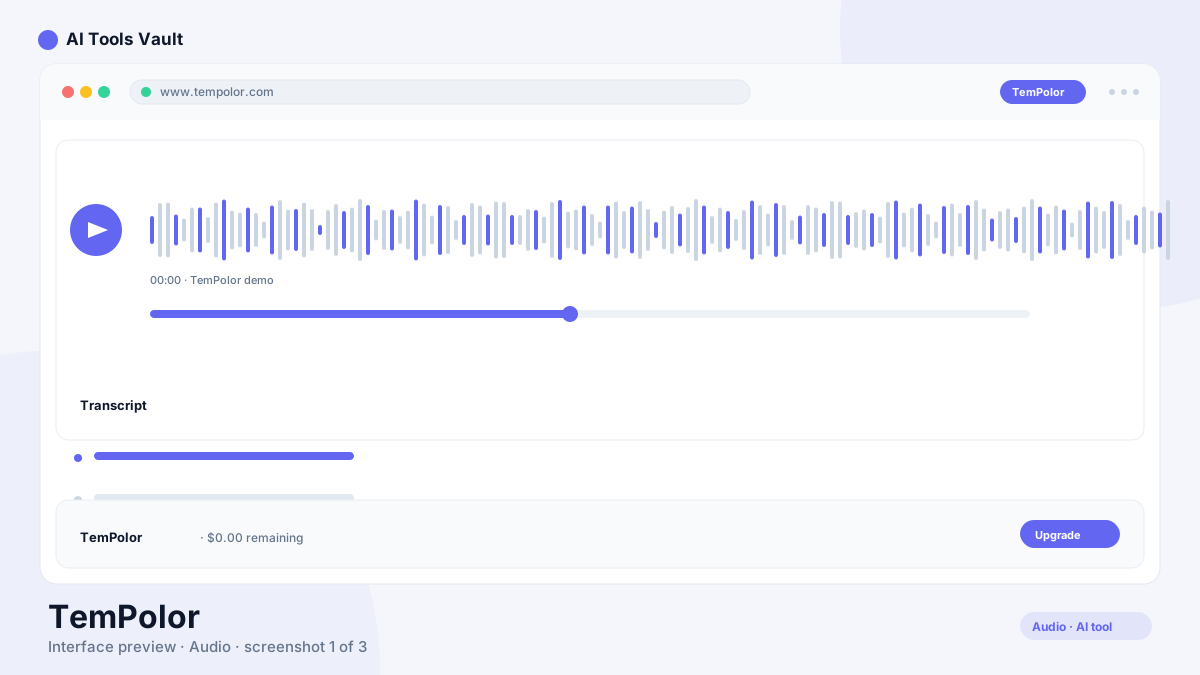
TemPolor AI music and beat generation tool interface

What Is This Tool?

the tool is an AI music generation platform that creates original instrumental tracks and beats from text prompts. Describe the mood, genre, tempo, and instruments you want, and the AI generates a complete composition. Every output is royalty-free and cleared for commercial use on paid plans.
The platform targets content creators who need background music for videos, podcasts, and social media, as well as music producers who want quick starting points or beat ideas. Unlike music libraries with fixed selections, the tool generates entirely new compositions each time.
  • Text-to-music AI beat generation
  • Royalty-free output for commercial use
  • Multiple genre and style support
  • No musical training required

This Tool AI Tools and Features

The core feature is text-to-music generation. Describe a track — chill lo-fi beat for studying, energetic trap instrumental, ambient background for a meditation video — and the AI creates a complete composition matching your description. The generation takes under a minute.
Beyond basic generation, the tool supports style remixing where you can take an existing generation and adjust its mood or intensity, stem export for separating drums, bass, melody, and vocals in the Studio plan, and a library of previously generated tracks you can revisit and download at any time.
  • Text-to-music generation in under a minute
  • Style remixing to adjust mood and intensity
  • Stem export for individual instrument tracks
  • Library of past generations for revisiting

How to Use This Tool

Type a description of the music you want — genre, mood, tempo, instruments — and click Generate. The AI creates a preview you can listen to immediately. If the result is close but not right, adjust your description and regenerate.
For video creators, the workflow is straightforward: generate a track, download it, and import it into your video editor. The commercial license on paid plans covers YouTube, social media, podcasts, and client work. For producers, stem export lets you separate individual instruments and use them as building blocks in your own productions.
  • Describe the track you want in plain text
  • Generate and preview in under a minute
  • Download and use with commercial license
  • Export stems for further production work

This Tool Pricing and Plans

the tool uses a freemium model. The free tier gives five generations per month with non-commercial licensing, which is enough to test the tool. The Pro plan at $9.99 per month adds 50 generations, high-quality export, and a commercial license for YouTube and social media use.
The Studio plan at $29.99 per month removes generation limits, adds stem export, and includes extended-length compositions. For content creators producing multiple videos per week, the commercial license alone justifies the Pro price.

Compare Plans & Pricing

Free tier with limited generations; Pro from $9.99/month; Studio from $29.99/month

Free

$0forever

Basic beat generation with limited downloads.

  • 5 generations per month
  • Standard quality output
  • Non-commercial license
  • Basic genre library
Start Free
Most Popular

Pro

$9.99month

Full generation with commercial licensing.

  • 50 generations per month
  • High-quality export
  • Commercial license
  • Full genre library
Get Pro

Studio

$29.99month

Unlimited generation with stems and advanced control.

  • Unlimited generations
  • Stem export
  • Extended length compositions
  • Priority processing
  • Lossless WAV export
Get Studio

Key Features of This Tool

The text-to-music generation is the headline feature. The AI handles genre, instrumentation, tempo, and mood from a single text description, producing a complete composition without requiring any musical knowledge from the user.
The stem export feature on the Studio plan is a meaningful differentiator. Separating a generated track into individual instrument stems gives producers real flexibility to remix, rearrange, or use individual elements in their own compositions.
  • Text descriptions generate complete compositions
  • Genre support spanning hip-hop to ambient
  • Stem export for individual instrument separation
  • Commercial licensing for client and social media work

This Tool vs Suno

Suno generates complete songs with vocals from text prompts, including lyrics and singing. the tool focuses on instrumental beats and background music without vocal generation. They serve different parts of the music creation pipeline.
For full songs with vocals, Suno is the more complete tool. For instrumental background music, beats for producers, and royalty-free tracks for content creators, the tool's focused approach produces more targeted results without the complexity of vocal generation.

This Tool vs Mubert

Mubert generates continuous, adaptive music streams designed for background listening and royalty-free use. the tool creates discrete, finished tracks with defined lengths and structures. The generation approach is fundamentally different.
Mubert excels at generating long, evolving ambient music for backgrounds and playlists. the tool is better for short, structured tracks that need a specific mood or genre for video content. Both serve the royalty-free music market from different angles.

Pros and Cons of This Tool

The main advantage is simplicity. Describe what you want, get a complete track. No musical knowledge, no sample library browsing, no DAW expertise required. The commercial license on paid plans makes the output immediately usable for client work.
The limitation is depth. the tool generates usable background music, but it does not produce the complexity or emotional depth of a human-composed track. For hero music, main themes, or emotionally critical moments, human composition still outperforms AI generation.

Pros

  • Generates original royalty-free music from text descriptions
  • Multiple genre support from hip-hop to ambient
  • No musical training required to create usable tracks
  • Commercial license included with paid plans

Cons

  • Output quality varies on complex prompts
  • Limited ability to fine-tune specific musical elements
  • Shorter compositions compared to some competitors
  • Less mature than Suno or Mubert for longer formats

Frequently Asked Questions About This Tool

These are the most common questions from users evaluating the tool for their music creation needs.

Best For

Recommended use cases and scenarios where TemPolor shines.

Frequently Asked Questions

Common questions about TemPolor, answered.

Is this tool free to use?

Yes. the tool offers a free tier with 5 generations per month and non-commercial licensing. Pro at $9.99/month adds 50 generations and commercial use, while Studio at $29.99/month removes limits and adds stem export.

Can I use this tool music commercially?

Yes, on paid plans. The Pro and Studio plans include a commercial license that covers YouTube videos, social media content, podcasts, and client work. The free tier is limited to personal use.

How does this tool differ from Suno?

the tool focuses on instrumental beats and background music. Suno generates complete songs with vocals and lyrics. Choose the tool for background music and beats, Suno for full songs.

What genres does this tool support?

the tool supports a wide range including hip-hop, lo-fi, ambient, trap, pop, electronic, cinematic, and acoustic. You can specify genre, mood, tempo, and instruments in your text description.

Can I export individual instrument stems from this tool?

Yes, on the Studio plan. Stem export separates generated tracks into individual instruments — drums, bass, melody, and other elements — for further production work in your DAW.

Reviews & Ratings

4.2

Based on 620 reviews

5
55%
4
25%
3
11%
2
6%
1
3%

Share your experience

Your rating

Loading reviews...

J

James Okafor

Great value for the price. The learning curve is small and the payoff is big.

H

Hannah Lee

Reliable and polished. I only wish the advanced features were on lower tiers.

M

Marcus Webb

Very capable tool. A couple of rough edges, but the team ships updates quickly.

Explore More Voice & Audio Tools

Browse the full AI Tools Vault directory to compare TemPolor with every voice & audio tool, or line up your shortlist side by side.

Similar Tools

More Voice & Audio tools you might like

Krisp AI tool logo

Krisp

Voice & AudioFreemium
Best for: Noise-free calls & AI meeting notes

Noise-canceling app that silences background audio on every call and adds AI meeting notes, transcripts, and summaries.

Otter.ai AI tool logo

Otter.ai

Voice & AudioFreemium
Best for: Meeting transcription & summaries

AI meeting assistant that transcribes, summarizes, and makes your conversations searchable in real time.

4.6(8.5k)
Visit Website
Podcastle AI tool logo

Podcastle

Voice & AudioFreemium
Best for: AI podcast recording & editing in one studio

All-in-one AI podcast studio with multi-track recording, Magic Dust cleanup, text-based editing, and 1,000+ AI voices.

Guides & Articles about TemPolor

Read our detailed reviews and comparisons covering TemPolor