Skip to content
Riffusion Voice & Audio AI tool logo

Riffusion – AI Music Generation Tool Using Diffusion Models

Voice & AudioFreemium
Best for: AI music generation using diffusion models for quick, genre-diverse compositions

the tool is an AI music generation tool that uses diffusion models to create original music from text descriptions, producing high-quality, genre-diverse compositions in real time.
4.3(1.4k)
Founded 2022
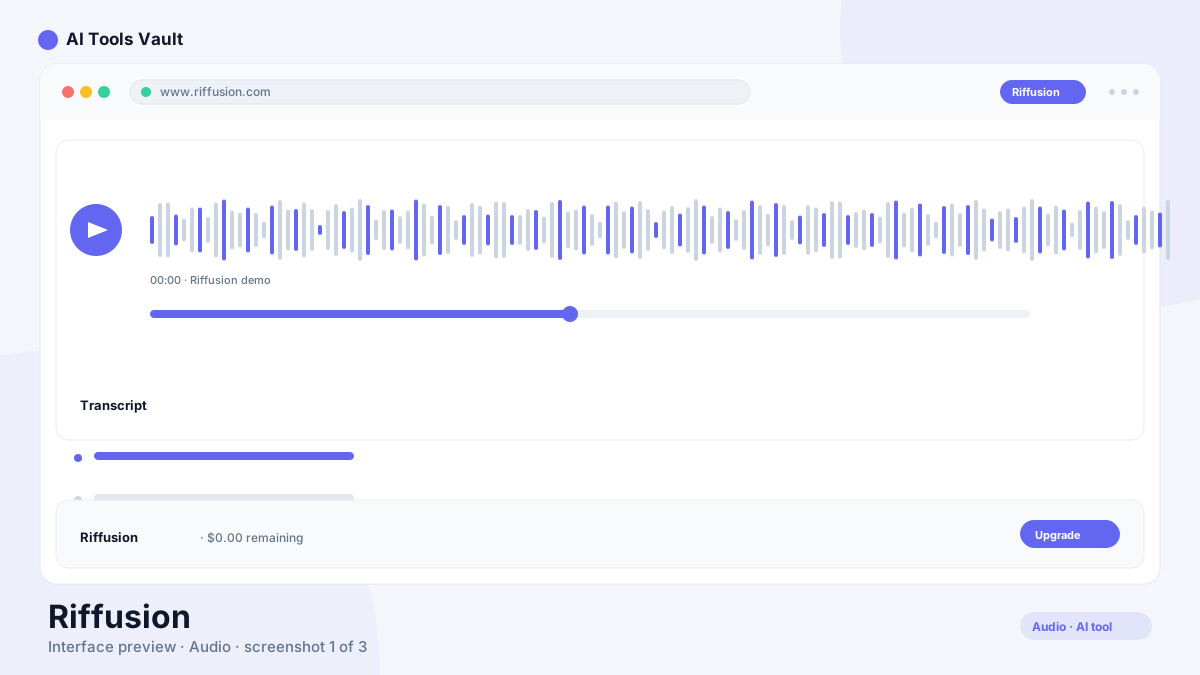
Riffusion AI music generation tool interface

What Is This Tool?

the tool is an AI music generation system built on diffusion models. Rather than generating audio directly, it generates spectrograms — visual representations of frequency content over time — and converts them into playable audio. This approach leverages the same diffusion technology that powers image generators like Stable Diffusion, adapted for the audio domain.
The tool generates short musical clips from text descriptions. Describe a genre, mood, or style, and the AI creates an original composition. The output is instrumental — no vocals — but the genre range spans from lo-fi hip-hop to cinematic orchestral to electronic dance music.
  • Diffusion-based music generation from text
  • Open-source foundation for self-hosting
  • Real-time generation with instant preview
  • Genre-diverse instrumental output

This Tool AI Tools and Features

The text-to-music engine is the core feature. Type a description — smooth jazz saxophone over laid-back drums — and the diffusion model generates a spectrogram, which is then converted to audio. The process takes seconds and produces a complete, coherent musical passage.
The open-source nature of the tool is a major differentiator. Developers can run the model locally, fine-tune it on custom datasets, and integrate it into their own applications. The hosted version provides the same generation without any technical setup.
  • Text-to-spectrogram-to-audio generation pipeline
  • Open-source model for self-hosting and customization
  • Real-time generation in the browser
  • Multiple genre and style support from single prompts

How to Use This Tool

On the hosted platform, enter a text description of the music you want and click Generate. The AI produces a clip in seconds that you can preview, download, or regenerate with a modified prompt.
For developers, the open-source repository on GitHub provides everything needed to run the model locally. A GPU with at least 8GB of VRAM is recommended for reasonable generation speed. The model can be integrated into web applications, DAWs, or custom workflows.
  • Enter a text description on the hosted platform
  • Generate and preview in seconds
  • Download for personal or commercial use
  • Self-host using the open-source repository

This Tool Pricing and Plans

the tool offers a free tier with limited generations and non-commercial licensing. The Pro plan at $9.99 per month provides unlimited generations, higher quality output, and commercial use rights.
The open-source option is free forever but requires technical setup. For users comfortable with Python and GPU hardware, self-hosting eliminates per-generation costs entirely.

Compare Plans & Pricing

Free open-source core; hosted version with free tier; Pro from $9.99/month

Free

$0forever

Basic generation with limited monthly usage.

  • 10 generations per month
  • 30-second clips
  • Standard quality
  • Non-commercial license
Start Free
Most Popular

Pro

$9.99month

Full generation with commercial licensing.

  • Unlimited generations
  • 60-second clips
  • High-quality output
  • Commercial license
  • Priority queue
Get Pro

Key Features of This Tool

The diffusion-based generation approach is unique in the AI music space. While other tools generate audio directly, the tool's spectrogram intermediate step produces coherent, musically structured output that avoids many of the artifacts common in direct audio generation.
The open-source foundation is equally significant. No other AI music tool offers the same level of transparency and customization. For teams building music-related products, the tool provides a base to build on rather than just an API to consume.
  • Spectrogram-based generation for higher coherence
  • Open-source with full model weights available
  • Real-time preview during generation
  • Extensible architecture for custom integrations

This Tool vs Suno

Suno generates complete songs with vocals, lyrics, and structured song forms. the tool generates instrumental clips without vocals. They serve different use cases despite both being AI music generators.
For full songs with singing, Suno is the more complete product. For instrumental backgrounds, sound design, and custom music integration, the tool's open-source flexibility and diffusion-based quality make it the stronger technical choice. The two tools are complementary for different parts of a music production workflow.

This Tool vs Mubert

Mubert generates continuous, adaptive music streams for background use and royalty-free licensing. the tool generates discrete, prompt-driven clips with more stylistic variety per generation.
Mubert excels at long, evolving ambient music. the tool produces more genre-diverse, structured short clips. For background playlists, Mubert is more practical. For specific musical ideas and stylistic experiments, the tool is more versatile.

Pros and Cons of This Tool

The main advantage is the open-source foundation. Full model weights, customizable pipelines, and self-hosting capability give developers control that no proprietary music AI tool offers. The diffusion approach produces musically coherent output.
The limitation is the output length and vocal capability. Each generation produces short clips, and extending to full songs requires stitching. There is no vocal generation, so songwriting use cases need a separate tool. The free tier is restrictive for regular use.

Pros

  • Open-source foundation allows self-hosting and customization
  • Diffusion model produces genre-diverse, high-quality output
  • Real-time generation with instant preview
  • Active research community pushing model improvements

Cons

  • Hosted version has generation limits on free tier
  • Longer compositions require multiple stitched generations
  • No vocal generation — instrumental only
  • Self-hosting requires technical setup and GPU resources

Frequently Asked Questions About This Tool

These are the most common questions from users evaluating the tool for their music creation needs.

Best For

Recommended use cases and scenarios where Riffusion shines.

Frequently Asked Questions

Common questions about Riffusion, answered.

Is this tool free?

Yes. the tool offers a free tier with limited generations and non-commercial licensing. The open-source model is free to self-host. Pro at $9.99/month provides unlimited generations with commercial rights.

Can this tool generate vocals?

No. the tool generates instrumental music only. For songs with vocals and lyrics, tools like Suno or ElevenLabs are more appropriate.

Is this tool open source?

Yes. The core model is open source with full weights available on GitHub. You can self-host, fine-tune, and integrate it into custom applications without licensing fees.

What GPU do I need to run this tool locally?

A GPU with at least 8GB of VRAM is recommended for reasonable generation speed. Higher VRAM GPUs like the NVIDIA RTX 3080 or 4090 produce faster results.

How does this tool compare to Suno for music generation?

the tool generates short instrumental clips using diffusion models with an open-source foundation. Suno generates complete songs with vocals and lyrics. Choose the tool for instrumentals and technical flexibility, Suno for complete songs.

Reviews & Ratings

4.3

Based on 1,400 reviews

5
60%
4
22%
3
10%
2
5%
1
3%

Share your experience

Your rating

Loading reviews...

S

Sofia Rossi

I've tried most tools in this space and nothing comes close. Highly recommended.

D

Daniel Kim

The best investment I've made this year. Saves me hours every single week.

P

Priya Sharma

Fast, intuitive, and the results speak for themselves. Easily worth the subscription.

Explore More Voice & Audio Tools

Browse the full AI Tools Vault directory to compare Riffusion with every voice & audio tool, or line up your shortlist side by side.

Similar Tools

More Voice & Audio tools you might like

Krisp AI tool logo

Krisp

Voice & AudioFreemium
Best for: Noise-free calls & AI meeting notes

Noise-canceling app that silences background audio on every call and adds AI meeting notes, transcripts, and summaries.

Otter.ai AI tool logo

Otter.ai

Voice & AudioFreemium
Best for: Meeting transcription & summaries

AI meeting assistant that transcribes, summarizes, and makes your conversations searchable in real time.

4.6(8.5k)
Visit Website
Podcastle AI tool logo

Podcastle

Voice & AudioFreemium
Best for: AI podcast recording & editing in one studio

All-in-one AI podcast studio with multi-track recording, Magic Dust cleanup, text-based editing, and 1,000+ AI voices.

Guides & Articles about Riffusion

Read our detailed reviews and comparisons covering Riffusion