Castmagic Review — Turn One Episode Into a Week of Content
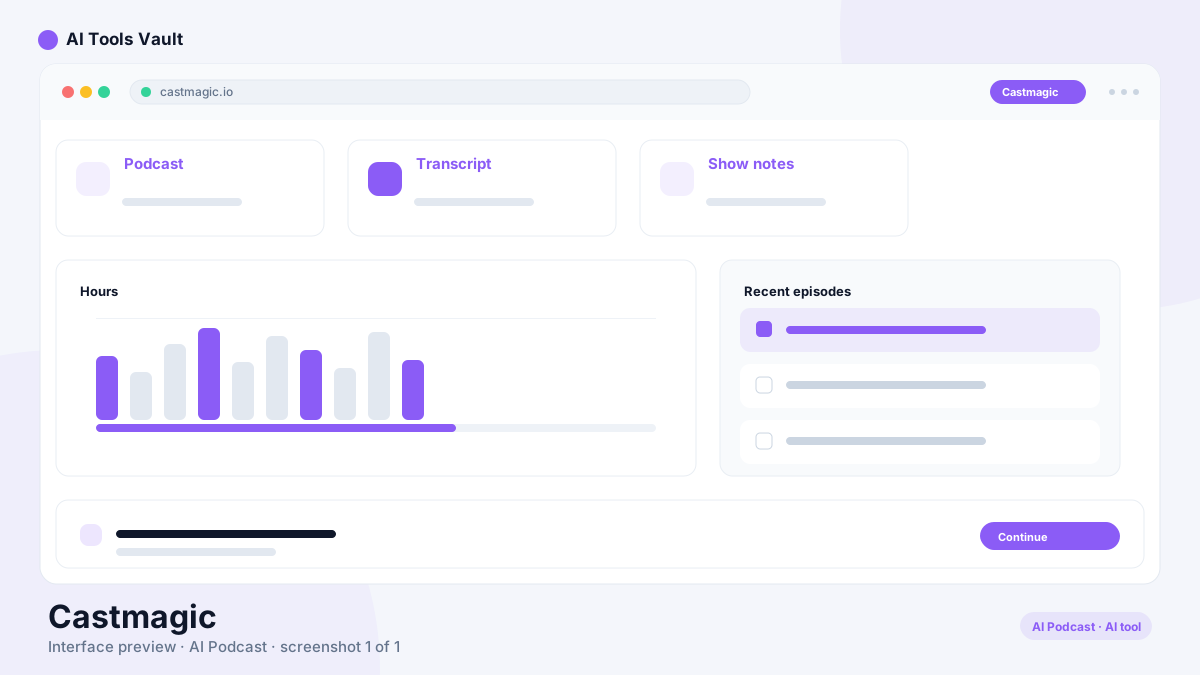
Voice & AudioPaidCastmagic is an AI content workflow for podcasters, streamers, and long-form creators — turning raw audio into show notes, clips, transcripts, blogs, and social posts.

What Is Castmagic?
- AI content workflow for podcast hosts, streamers, and long-form creators
- One episode becomes transcript, notes, clips, blog, social, and newsletter
- Built by Magic Studios, founded in 2023 in Henderson, Nevada
- Structured, editable assets instead of one black-box output
How It Works
- Connect a platform, use RSS auto-sync, or upload directly
- Transcribe and segment the episode automatically
- Derive notes, clips, blogs, and social posts from the transcript
- Publish via Zapier, CMS export, or the campaign builder
Castmagic Features
- Capture: platform imports, RSS autopilot, and direct file upload
- Transcribe: speaker-labelled, timestamped transcripts in 60+ languages
- Repurpose: pipeline, campaign builder, and 100+ single-purpose tools
- Publish: integrations, API, and CMS export
AI Transcription
- Speaker-labelled and timestamped transcripts in 60+ languages
- Import via URL, direct file upload, podcast feeds, or platform connections
- Every transcript stays searchable in the media library
- Transcript text edits in place when the AI mishears something
Content Repurposing
- Pipeline drafts show notes, summaries, highlights, and articles per episode
- Campaign builder converts one recording into several publish-ready assets
- 100+ tools for specific formats and platforms
- Outputs are editable files rather than one-time chat responses
Studio, Clips, and Social Content
- Captioned vertical clips and highlight reels in Studio
- Swipeable image carousels and audiograms
- Platform-specific posts drafted in your voice
- Unlimited clips and re-generations on all paid plans
Brand Voice and Templates
- Train brand voice with style and vocabulary controls
- Reusable templates for recurring content formats
- Consistent tone across shows and client workspaces
- Emails and posts generated in your own voice
Content Library and Search
- Semantic search across the entire media library
- Magic Chat Q&A grounded in your own recordings
- Find quotes, stories, and moments by meaning
- Workspaces keep multiple brands or clients organized
Team Collaboration
- Multi-brand workspaces with roles and permissions
- Folders, comments, and internal approval workflows
- API access from the Starter plan upward
- Permissions, tasks, and review states per draft
Other Current Features
- Audience chatbot with citation and lead capture
- Claude MCP connector for your media library
- RSS autopilot for unattended new episodes
- 1,800+ import platforms plus direct file upload
Castmagic Pricing
Compare Plans & Pricing
Paid plans billed annually: Hobby $19/mo (30 hours), Starter $48/mo (100 hours), Team $139/mo (400 hours, 5 seats). Business and Scale are custom, from $699/mo.
Hobby
The entry tier for solo creators, billed annually at $239/year with 30 transcribed hours.
- 30 transcribed hours (library total)
- Unlimited AI content and re-generations
- Unlimited Studio clips and audiograms
- Up to 3 team seats
- 50GB storage
- Standard support
Starter
The content home for growing creators, billed annually at $579/year with 100 transcribed hours.
- 100 transcribed hours (library total)
- Unlimited AI content and re-generations
- Unlimited Studio clips and audiograms
- API access
- Up to 5 team seats
- 250GB storage
- Onboarding call
Team
A team content engine, billed annually at $1,669/year with 400 transcribed hours and 5 seats included.
- 400 transcribed hours (library total)
- Unlimited AI content and re-generations
- Unlimited Studio clips and audiograms
- API access
- Priority support
- Unlimited team seats
- 1TB storage
Who Should Use It
- Weekly podcasters who need full post-production fast
- Streamers and long-form YouTube creators repurposing streams
- Studios managing multiple shows and seats
- Agencies with bulk imports, client workspaces, and API access
Security and Privacy
- SSL/TLS in transit and encryption at rest, per the privacy policy
- Access controls, security assessments, and penetration tests described
- No SOC 2 or ISO 27001 certification claimed
- Policy does not state whether customer media is used for model training
- Contact: support@castmagic.io
Castmagic Alternatives

Podcastle
All-in-one AI podcast studio with multi-track recording, Magic Dust cleanup, text-based editing, and 1,000+ AI voices.

Otter.ai
AI meeting assistant that transcribes, summarizes, and makes your conversations searchable in real time.

Fireflies.ai
Fireflies AI is a meeting notetaker that records calls, transcribes them, and delivers summaries, action items, and a searchable meeting library.
Adobe Podcast
Adobe Podcast is Adobe's AI tool for enhancing podcast and voice recording quality, using machine learning to remove noise, normalize levels, and produce studio-quality audio from any microphone.
Pros and Cons
Pros
- One upload produces transcripts, notes, clips, blogs, and social posts
- Highlight clips findable per topic and shareable in seconds
- RSS auto-sync ingests new episodes without manual uploads
- Magic Chat lets you ask questions against your whole media library
- Works with 1,800+ platforms or a direct file upload
- Organic integrations, Zapier, and CMS export for publishing
Cons
- Transcribed-hour limits on every plan mean cost scales with output
- No free plan — every published tier requires a paid subscription
- Larger teams bump into per-seat pricing on Team
- Best for repurposing; lighter on recording and editing features
- Business and Scale pricing requires a sales conversation
Best For
Recommended use cases and scenarios where Castmagic shines.
Frequently Asked Questions
Common questions about Castmagic, answered.
What is Castmagic?
Castmagic is an AI content workflow for podcast hosts, streamers, and long-form creators. It turns an episode or video upload into transcripts, show notes, summaries, highlight clips, blog drafts, social posts, and newsletters in one pass.
How much does Castmagic cost?
Billed annually: Hobby $19/month (30 hours), Starter $48/month (100 hours), Team $139/month (400 hours, 5 seats). Business and Scale are custom-priced from $699/month. All plans include unlimited AI content, Studio clips, and integrations.
How do I get content in?
Connect one of 1,800-plus platforms, set up RSS auto-sync for new episodes, or upload audio and video files directly. Bulk import handles existing back catalogs.
Can it make podcast clips?
Yes. It identifies clip-worthy moments, lets you select them by topic and length, and exports ready-to-share vertical clips with captions for short-form platforms.
Who owns Castmagic?
Castmagic is built by Magic Studios, based in Henderson, Nevada. The product was founded in 2023.
Is there a free plan?
It is a paid product with plans starting at Hobby, $19/month billed annually. The vendor's pricing page lists paid tiers with monthly and annual billing options rather than a permanent free plan.
Who is it for?
Solo podcasters, streamers, long-form YouTubers, studios managing multiple shows, and agencies that need to repurpose recorded content efficiently across channels.
Reviews & Ratings
Loading reviews...
Explore More Voice & Audio Tools
Browse the full AI Tools Vault directory to compare Castmagic with every voice & audio tool, or line up your shortlist side by side.
Similar Tools
More Voice & Audio tools you might like

Krisp
Noise-canceling app that silences background audio on every call and adds AI meeting notes, transcripts, and summaries.
Otter.ai
AI meeting assistant that transcribes, summarizes, and makes your conversations searchable in real time.
Guides & Articles about Castmagic
Read our detailed reviews and comparisons covering Castmagic