It is a GPT-powered AI language tutor built around conversational speaking practice. You talk or write with an AI tutor in your target language, and it corrects grammar inline while scoring pronunciation in real time. That makes it an active practice tool rather than a passive flashcard app.
The free subscription tier includes a 10-minute daily limit and covers the core experience, while Premium unlocks unlimited practice with every AI mode. Structured courses add a guided path so learners can move from absolute beginner toward upper intermediate with clear milestones along the way.
TalkPal Features
The app covers speaking, listening, reading, writing, grammar, and vocabulary in a single subscription. Sessions adapt to your level, so feedback stays useful whether you are just starting out or polishing advanced skills.
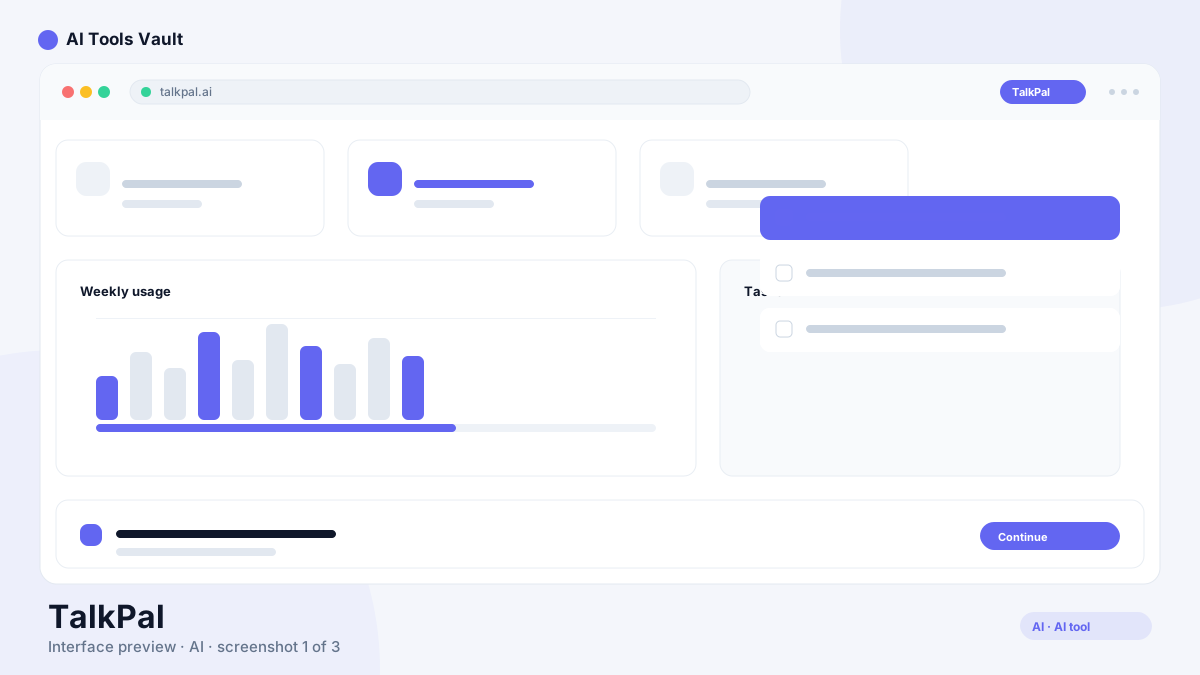
A library of modes keeps practice varied, and the guided Courses layer is where the curriculum shows its structure. Each mode is designed to remove the friction of finding a conversation partner, which is the main blocker most learners face.
Personalization is a stated focus: the technology analyzes how millions of people learn at the same time to shape exercises for each individual student. That adaptive layer is what separates a structured platform from a plain chatbot.
AI conversations in 130+ languages
Roleplays, debates, characters, and photo mode
Call mode that simulates live phone conversations
Word, sentence, and dialogue modes for focused drills
Guided courses from absolute beginner to upper intermediate
Real-time pronunciation assessment and grammar corrections
AI daily feedback and detailed progress tracking
Language certificates, video lessons, and reading practice
Practice Modes and Guided Courses
Each practice mode targets a different skill or context. Roleplays drop you into realistic scenes such as ordering food or handling a job interview, debates push you to argue a position fluently, and characters let you talk with historical or fictional personalities in the language you are learning.
Photo mode turns any picture into a conversation prompt, while call mode mimics a live phone call for on-the-spot listening and speaking. Word, sentence, and dialogue modes break practice down into smaller drills when you need to focus on a specific gap.
Guided Courses take a more structured route. Every level has 60 themed units, and each unit follows the same three-step flow: Word Mode to learn vocabulary, Sentence Mode to build phrases, then a conversation task that uses Dialogue Mode at lower levels and Roleplays at higher ones. This gives a clear roadmap from your first words to more fluent conversations.
You also set a daily goal at the start, and the curriculum balances input and output with smart review so vocabulary and grammar stick rather than fading after a week. Tricky units can be revisited as often as you need, which keeps the pace humane for busy learners.
How TalkPal Works
Getting started takes a few minutes. Sign up on the web or download the iOS or Android app, choose your target language and current level, then pick a practice mode and start your first conversation.
The AI responds in real time, correcting grammar and scoring pronunciation as you speak. Sessions adapt to your answers, and the progress tracker surfaces streaks, achievements, and the specific areas that need more work.
Because everything runs in the cloud, your practice follows you across devices, and you can switch from a phone conversation at lunch to a longer session on the web in the evening.
Sign up on the web or install the iOS or Android app
Choose your target language and proficiency level
Pick a practice mode and start a conversation
Get real-time grammar corrections and pronunciation scores
Track streaks, achievements, and progress over time
TalkPal Pricing
The Basic plan is free and limits conversations to 10 minutes a day, while still including basic chat, personalized learning, detailed progress tracking, and the pronunciation assessment tool. It is a solid way to test the experience before paying anything.
Premium removes the limits. The monthly plan runs $19.99, a 3-month pass costs $49.99, and the 12-month plan is $119.99, which works out to about $9.99 a month. The 24-month option costs $149.99 up front, roughly $6.25 a month, and advertises about 69% savings. Every Premium plan starts with a 14-day free trial with no payment today, and you can cancel anytime.
Special discounts are also available for students, teachers, healthcare workers, and dozens of other groups, and teams or institutions can buy bulk plans through the business program.
Compare Plans & Pricing
Free tier with 10 minutes per day; Premium $19.99/mo, $49.99 for 3 months, $119.99/yr (~$9.99/mo, ~50% off), or $149.99 for 24 months (~$6.25/mo, ~69% off); 14-day free trial with no payment today, cancel anytime; Business and education plans priced on request
Free
$0
Core AI conversation practice with a 10-minute daily limit.
DeepL is a translation engine that converts text between languages. This platform is a language tutor for building speaking and listening skills, so the two serve completely different purposes.
Use DeepL when you need fast, accurate written translation for documents or emails, and use this app when you want to hold conversations and improve pronunciation. Google Translate and Microsoft Translator round out the translation side for instant and real-time needs. The tools complement each other rather than compete.
Who Should Use TalkPal?
The app suits learners who already know basic vocabulary and grammar but lack speaking practice. Busy adults can keep momentum with short daily sessions, and anyone preparing for a trip can rehearse realistic scenarios before arriving.
Teams and educational institutions can buy bulk plans for employees or students, while casual learners can get genuine value from the free tier alone. If your goal is conversation confidence rather than watching lessons, this kind of active practice maps directly to the way you will actually use the language.
Pros and Cons of TalkPal
The main strengths are the enormous language coverage, the active speaking approach, real-time feedback, and a free tier generous enough for daily practice. The guided courses give structure that many AI chatbots lack.
The trade-offs are the 10-minute cap on the free plan, the need for an internet connection for live sessions, and paid plans for unlimited use. AI-generated feedback can also miss the nuance a human tutor would catch, so it is best treated as a supplement rather than a full replacement for instruction.
Pros
Active speaking practice with real-time grammar corrections and pronunciation assessment
130+ languages, including less-commonly studied ones
14-day free trial on Premium with no payment required to start
Cancel Premium anytime, with no lock-in
Works on the web, iOS, and Android
Cons
Free tier is limited to 10 minutes of practice per day
Live AI conversations require a stable internet connection
Unlimited practice requires a paid subscription
Pricing varies by location and currency
TalkPal Alternatives
For pure translation, DeepL delivers high accuracy for text, Google Translate covers instant translation in over 130 languages, and Microsoft Translator adds real-time conversation translation.
If you are specifically learning a language with AI practice, consider Langua, ELSA Speak, Praktika, Pingo AI, or Airlearn. Each has a slightly different focus, from pronunciation drills to immersive conversations. For live conversation with human tutors instead of an AI, Preply connects learners with real teachers, so it is worth comparing a few options before you subscribe.
DeepL
Translation & LanguageFreemium
Best for: Professionals, students, and businesses that need publication-ready translations of text and formatted documents, plus real-time voice interpretation for meetings
AI-first translation platform covering text, PDFs, Office documents, and real-time voice across 100+ languages, with glossaries and a developer API.
Best for: Anyone needing fast, free everyday translation - travel signs and menus, messages, websites, and quick document reads across roughly 250 languages
Free everyday translation from Google covering about 250 languages, with camera, voice, conversation, offline packs, document upload, and whole-webpage translation.
Microsoft's AI translation service supporting 130+ languages with text, document, and real-time conversation translation integrated across Office, Edge, and Azure.
For learners who struggle to find speaking partners, an AI tutor is one of the most practical ways to practice every day. The free tier gives a real taste of the experience, and the Premium plans are reasonable compared with the cost of human tutoring sessions.
The platform earns strong marks for language coverage, structured courses, and genuine conversation practice. The main caveats are the free-tier time limit and the need for a stable connection, so weigh those against your routine before committing to a paid plan. If you want daily speaking reps, start on the free tier and upgrade once you actually hit the time limit.
Best For
Recommended use cases and scenarios where TalkPal shines.
It is a GPT-powered AI language tutor for conversational speaking practice in 130+ languages. It corrects grammar inline and scores pronunciation in real time as you talk with the AI. Sessions can be typed or spoken, depending on your preference.
Is TalkPal free?
Yes. The Basic plan is free with a 10-minute daily limit, personalized learning, detailed progress tracking, and a pronunciation assessment tool. Premium unlocks unlimited practice.
How much does TalkPal cost?
Premium costs $19.99 per month or $119.99 per year, which works out close to $10 a month, with a 24-month option that advertises roughly 69% savings. Annual billing is the most common choice, and the longer term increases the discount. Business and education plans are priced on request.
How many languages does TalkPal support?
The app lists 130+ languages for conversational practice, spanning English, Spanish, French, German, and Italian through Japanese, Chinese, Korean, Arabic, and many less commonly taught languages. Feedback quality can vary more for some of the longest-tail languages.
What is the best TalkPal practice mode?
It depends on your goal. Roleplays build real-world conversation skills, call mode simulates live phone calls, and debates push you to argue fluently. Guided courses pace absolute beginners through their first words.
Does TalkPal work offline?
Not for live practice. AI conversations and pronunciation feedback depend on the tutor responding in real time, so you need a reliable internet connection during sessions.
Is TalkPal better than Duolingo?
The two serve different learning styles. The app is built for active speaking practice with real-time feedback, while Duolingo leans on gamified lessons. Many learners end up using both: short game-like lessons for daily habits and this app for speaking reps. The best choice depends on how you prefer to learn.
What are the best alternatives to TalkPal?
For translation, compare DeepL, Google Translate, and Microsoft Translator. For language learning with AI conversation practice, Langua, ELSA Speak, Praktika, Pingo AI, and Airlearn are worth evaluating. Pricing and skill focus differ, so check the free tier of each before paying.
Reviews & Ratings
Loading reviews...
Explore More Translation & Language Tools
Browse the full AI Tools Vault directory to compare TalkPal with every translation & language tool, or line up your shortlist side by side.
Best for: Anyone needing fast, free everyday translation - travel signs and menus, messages, websites, and quick document reads across roughly 250 languages
Free everyday translation from Google covering about 250 languages, with camera, voice, conversation, offline packs, document upload, and whole-webpage translation.
Best for: Professionals, students, and businesses that need publication-ready translations of text and formatted documents, plus real-time voice interpretation for meetings
AI-first translation platform covering text, PDFs, Office documents, and real-time voice across 100+ languages, with glossaries and a developer API.
Microsoft's AI translation service supporting 130+ languages with text, document, and real-time conversation translation integrated across Office, Edge, and Azure.